
✏️ Manual File Editing
Manual file editing is a feature currently under development 🚧.
It allows you to:
- manually correct data in an existing file,
- regenerate the associated checks,
- generate a new evidence file.
⚠️ Important : This feature is still under construction and may evolve over time. If you have any questions, please contact your Customer Success Manager.
🖱️How to manually edit a file
- Open the relevant file and click “Edit manually” (button located in the bottom-right corner).
- Update the desired data directly in the form.
- Click “Save”, then “Recheck” (button located in the bottom-right corner) to relaunch the checks.
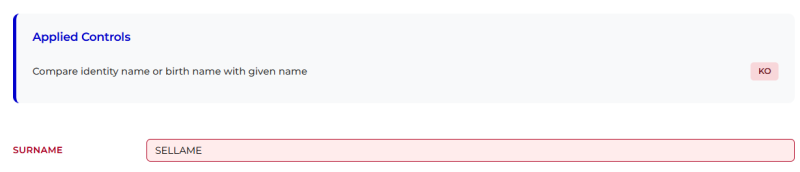
- Scroll back to the top of the page and click “Close” to finalize the file.
- The new proof slip file is now available for download. 📄



⚠️Warning :
- If you click “Discontinue”, manual editing of the file will no longer be possible.
- Once the file is closed, it will no longer be possible to edit it manually.
🔮 Upcoming Features
The following enhancements are currently under consideration and will be communicated separately once they are scheduled:
- Callback re-sending
- Archiving of the newly generated proof file
- Updating images within the file
- Updating the global file status